Black & White technique tutorial
In this tutorial Amit Sadik shows black and white technique for painting a castle
Step 1
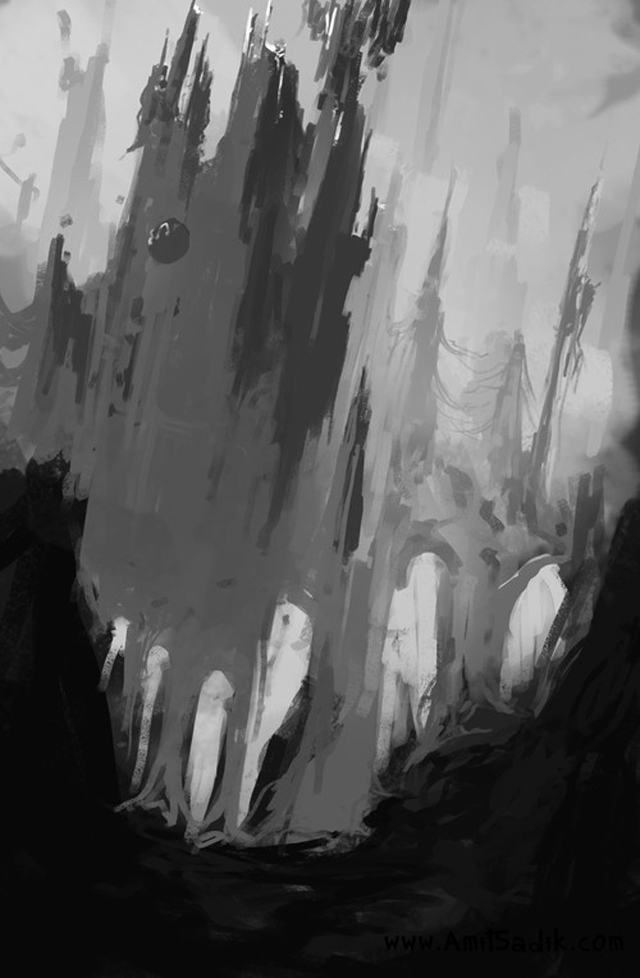
That’s the first stage my digital painting tutorial.I knew there is going to be a castle, nothing more than that. In this painting I use the black and white technique so am starting to put the values.
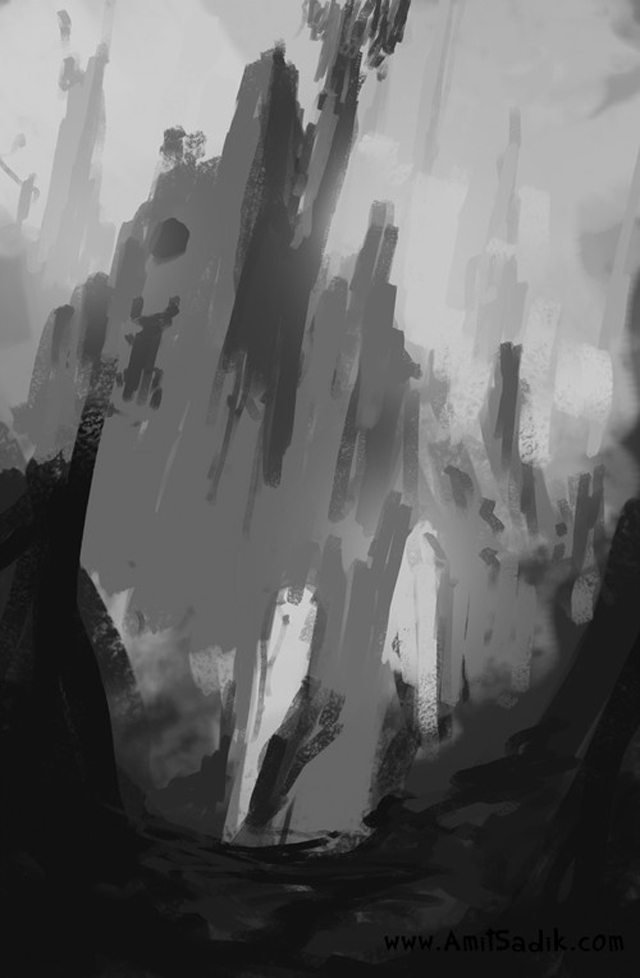

Step 2
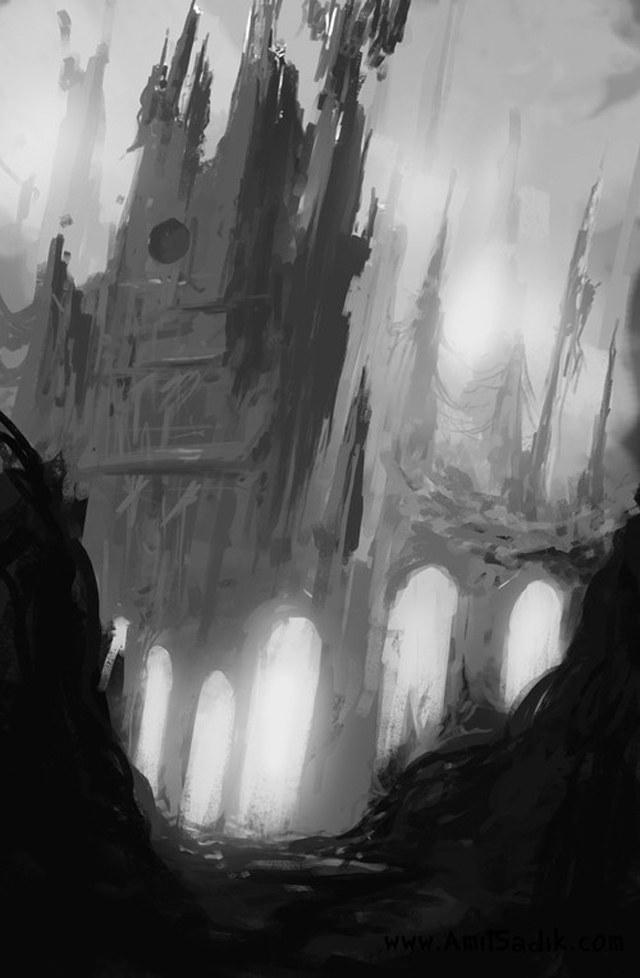
Detailing the background and moving on to the castle while using the simple Chalk Brush and Airbrush.

Step 3
The straight castle didn’t feet, so I choose to put those curvy shaped walls which will be the main form in the whole painting.

Step 4
You can see at the right a little bridge that starting to be paint. Next, on the bridge I’ll put a little figure, as I usually do.

Step 5
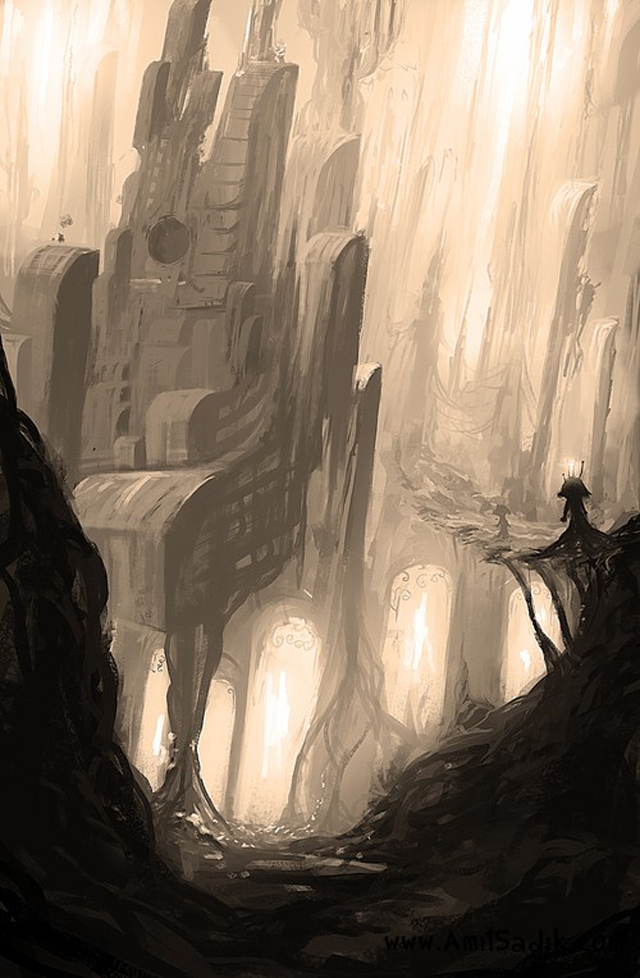
The figure added, some sort of a female alien or something. In addition, Sharp filter is added.


Step 6
Photo filter – Sepia color.
Step 7
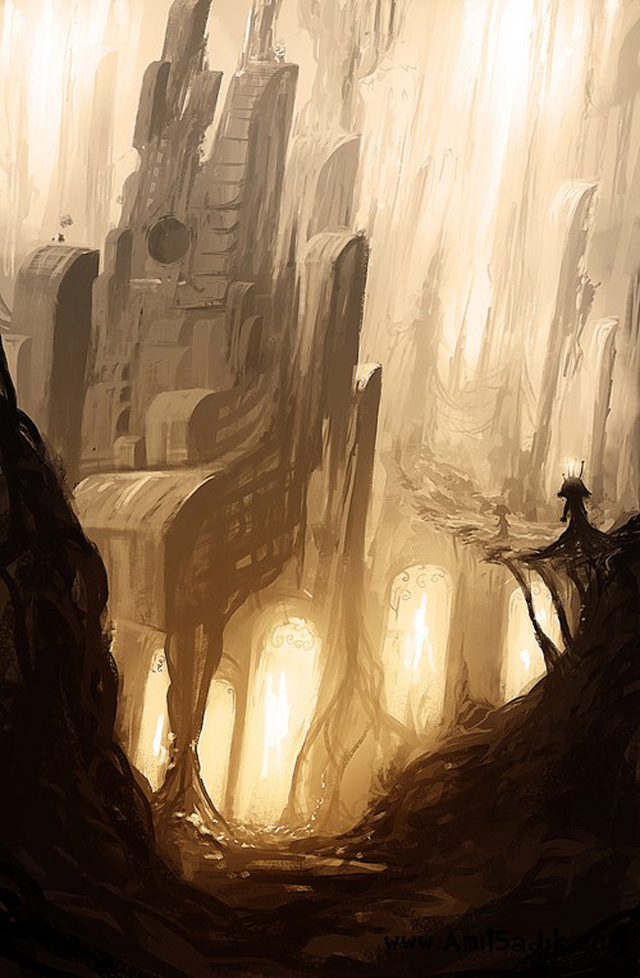
Adding a few color layers to get a little bit of hue in this painting (Color Balance and Curves) and it’s Done
Step 8
the final image




About The Author

You might be interested in